Doublr
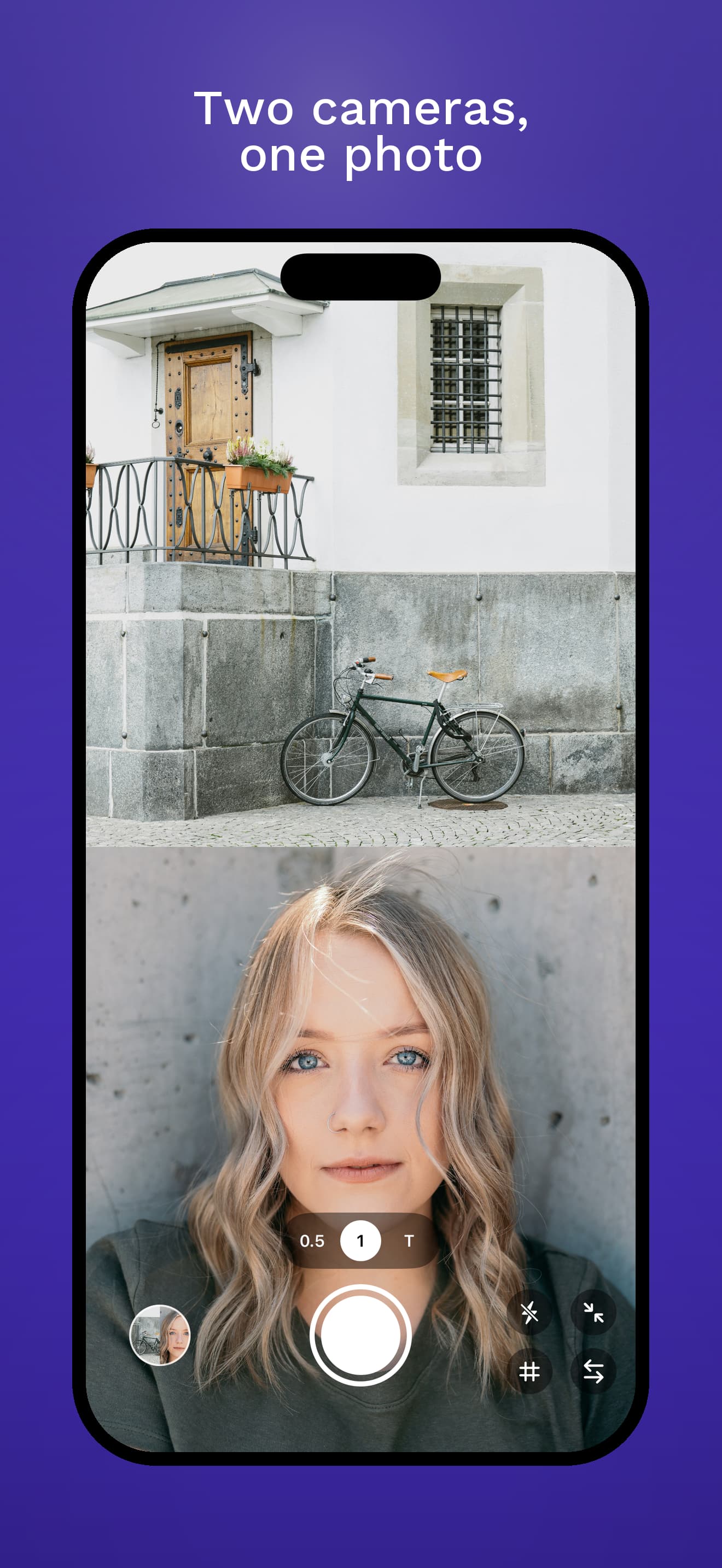
Two cameras, one photo. Doublr captures the front and back cameras at the same instant and saves a single side-by-side image to your Photos library.
Tap the shutter — or press the volume button — to capture. The composite is written as a HEIC file to a dedicated “Doublr” album, ready to share or browse from inside the app.
Questions? Answers.
Which iPhones does Doublr work on?
Any iPhone that supports simultaneous multi-camera capture — that’s iPhone XS, XR, and everything newer, on iOS 18 or later. Older iPhones can’t run the front and back cameras at the same time, so the app shows a clear message instead of pretending to work.
Where are my photos saved?
In a dedicated “Doublr” album in your Photos library, as HEIC files. They live alongside everything else in Photos and sync with iCloud Photos the same way — Doublr just files them in their own album for quick access.
Why side-by-side and not stacked?
A single consistent layout makes the photos feel like a series — they look right shared anywhere, and the wide format reads well on any feed. There’s a swap toggle so you can choose which camera lands on the left.
Why does the preview look different from the final photo?
In portrait the live preview is stacked top/bottom, in landscape it’s left/right — that’s what fits the screen best while framing. The saved composite is always side-by-side regardless of how you held the phone. A first-launch hint inside the app explains this once, then gets out of the way.
Does the flash actually work for the front camera?
iPhones don’t have a true front-facing flash. Doublr does what the iOS Camera app does for selfies: maxes out the screen brightness with a white overlay just before capture to act as a rim light. The hardware flash fires for the back camera at the same instant.
Is my data sent anywhere?
No. Doublr has no accounts, no analytics, no advertising, and no network access of any kind. Capture, composite, and save all happen on your device. The only permissions it asks for are Camera and Photos — both used solely to make the app work.
Can I edit the composite after saving?
Use the Photos app — every Doublr photo is a normal HEIC file, so all of Apple’s editing tools (crop, adjust, filters, markup, extensions) work on it like any other photo. Doublr itself stays focused on the capture step.
Feedback and support
Have an idea? Something not working? Drop me a line at apps@mla.run.